
Fix a Frozen Trackman
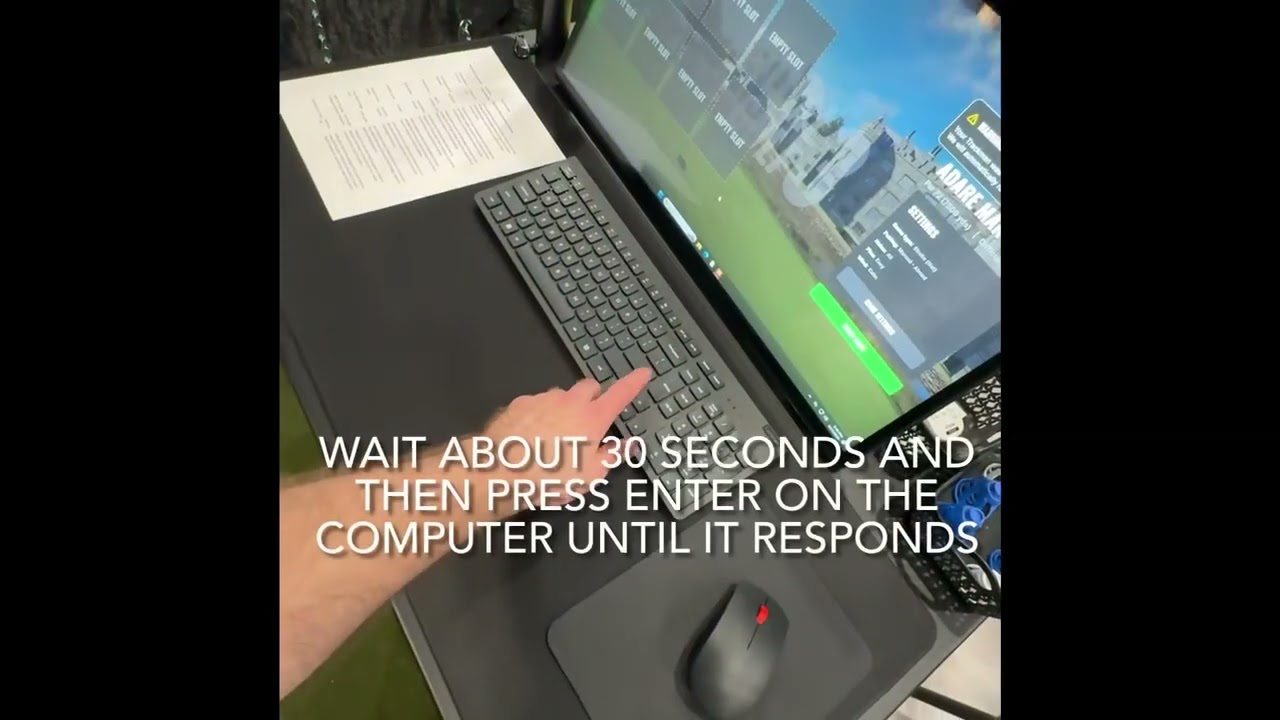
Is your Trackman simulator frozen or unresponsive? Try this quick soft reset first! Learn how to easily wake the system up by clicking the computer's power button to jump right back into your round.
 QUICK FIX
Is your Trackman simulator frozen or unresponsive? Try this quick soft reset first! Learn how to easily wake the system up by clicking the computer's power button to jump right back into your round.
 HOW-TO
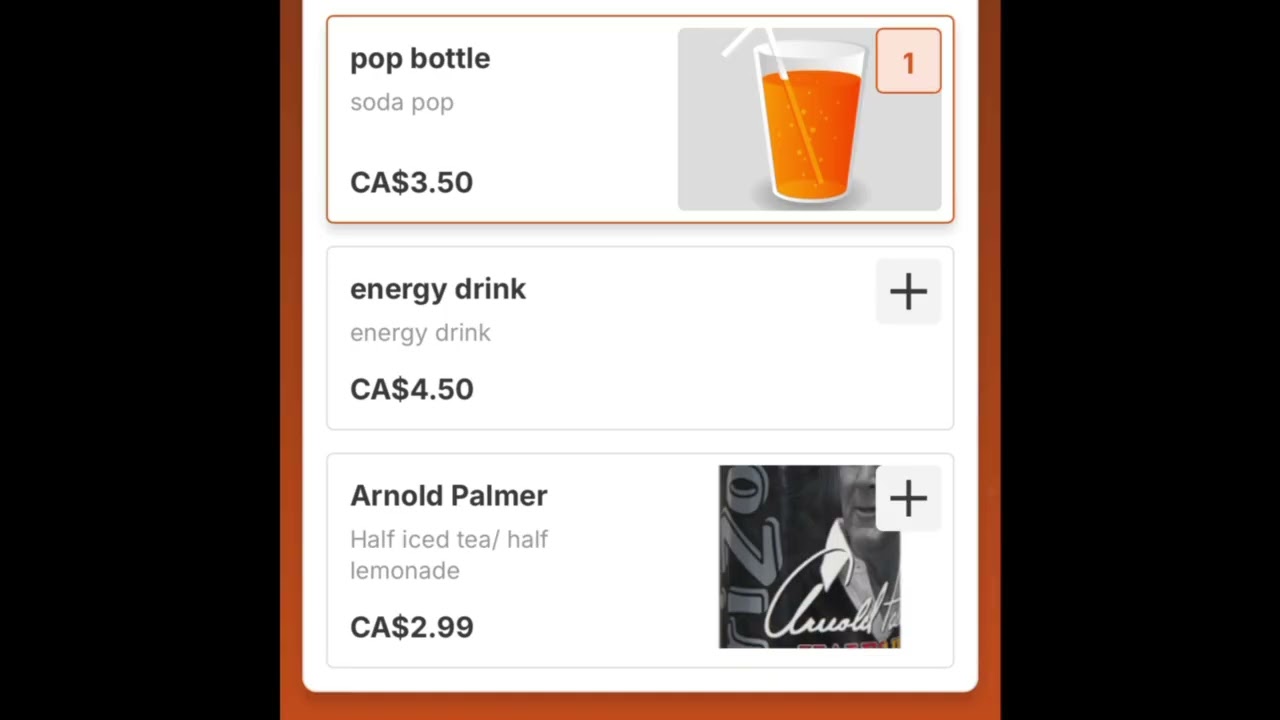
Need a quick bite? Buying snacks is easy! Simply scan the QR code located in your bay, select the items you'd like, and complete your purchase using your Trackman account, Apple Pay, or credit card.
 ADVANCED FIX
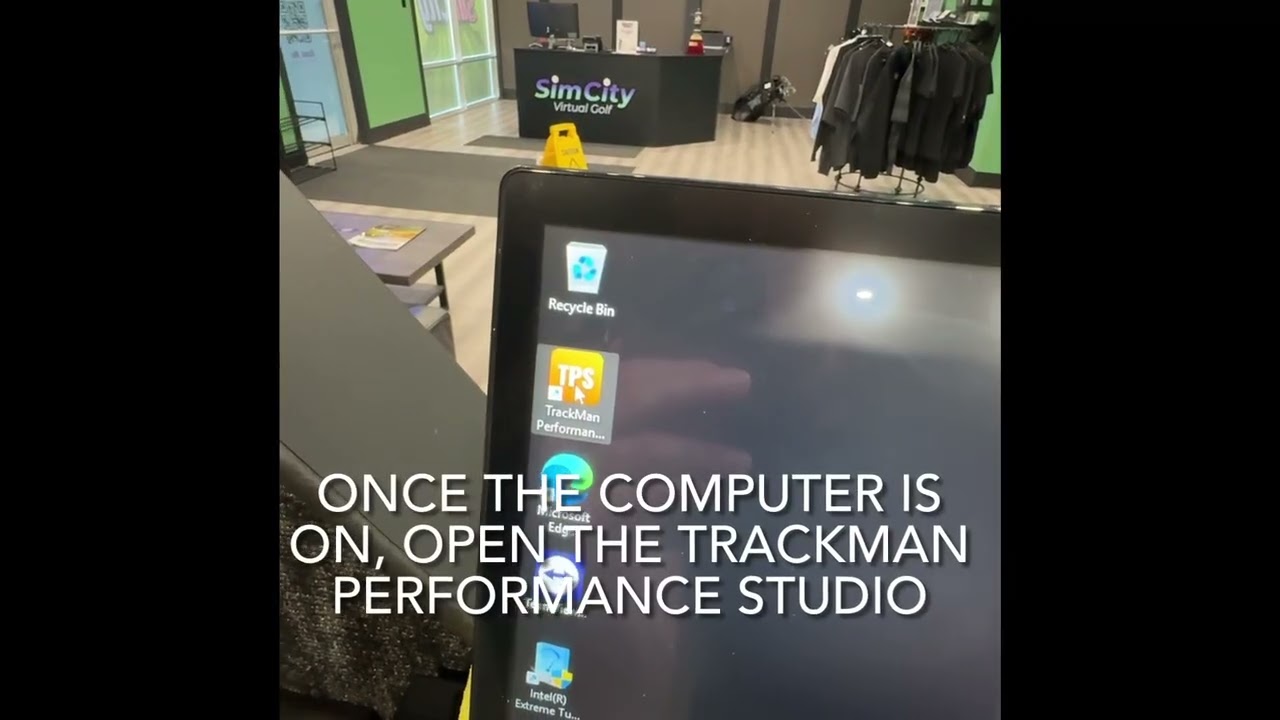
If the quick soft reset didn't work, this is your last resort option. Learn how to completely cycle the power, relaunch the Trackman portal, and skip the calibration screen to get back to your game.
 GETTING STARTED
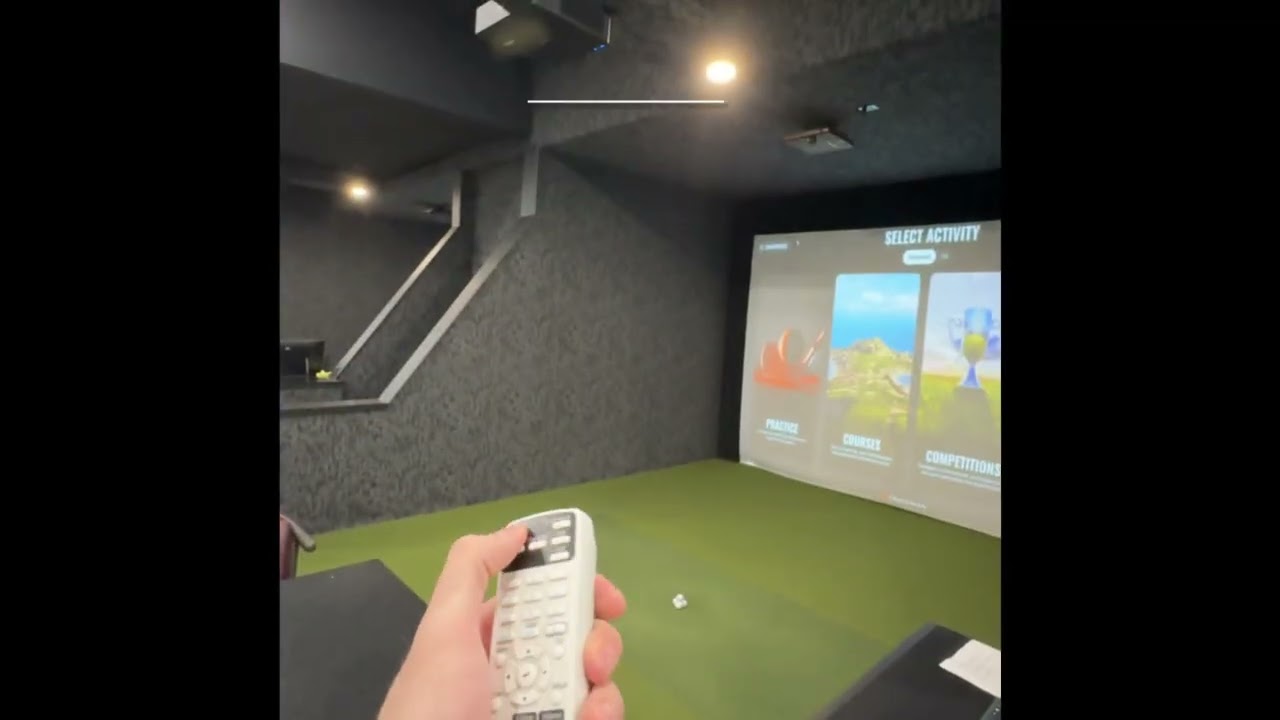
Welcome! This quick walkthrough covers everything you need to know for a smooth session, from using your Openpath PIN to enter and setting up your bay, to our cleanup expectations when you leave.